 Raudo
Raudo Player · iPhone · Free
Free IPTV player for iPhone
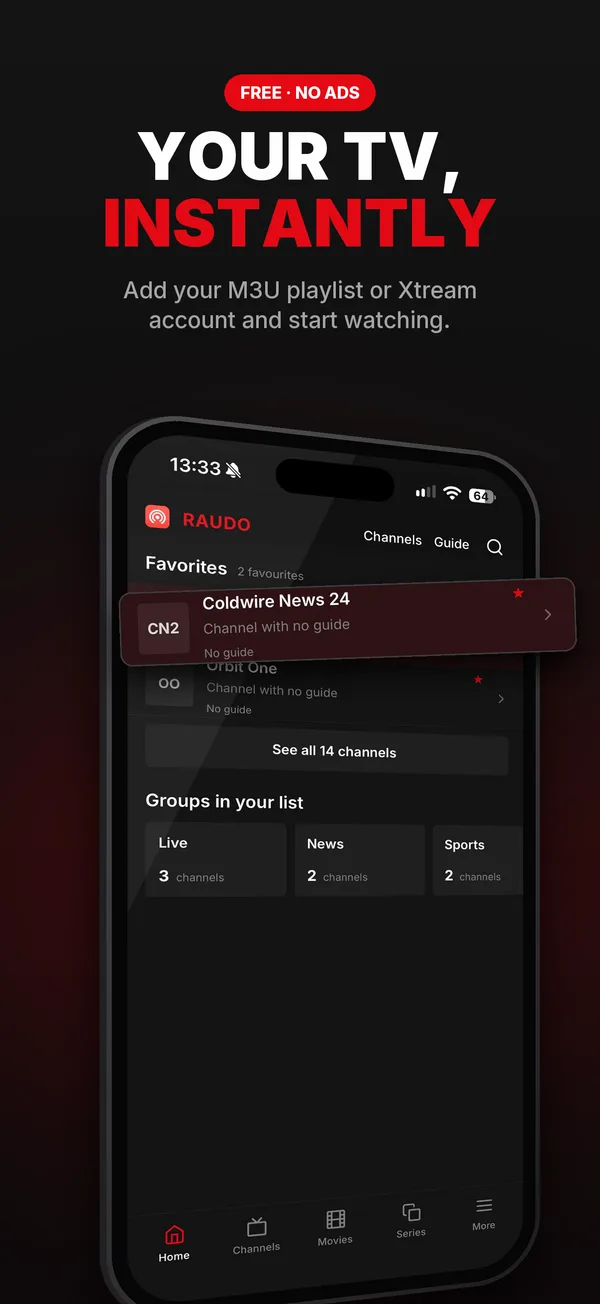
Raudo Player brings your channels to your iPhone: add your M3U playlist or Xtream account and start watching. No ads, no account.
This is how it looks on your iPhone
The same images you will see on the App Store, with sample content.
What it does on your iPhone
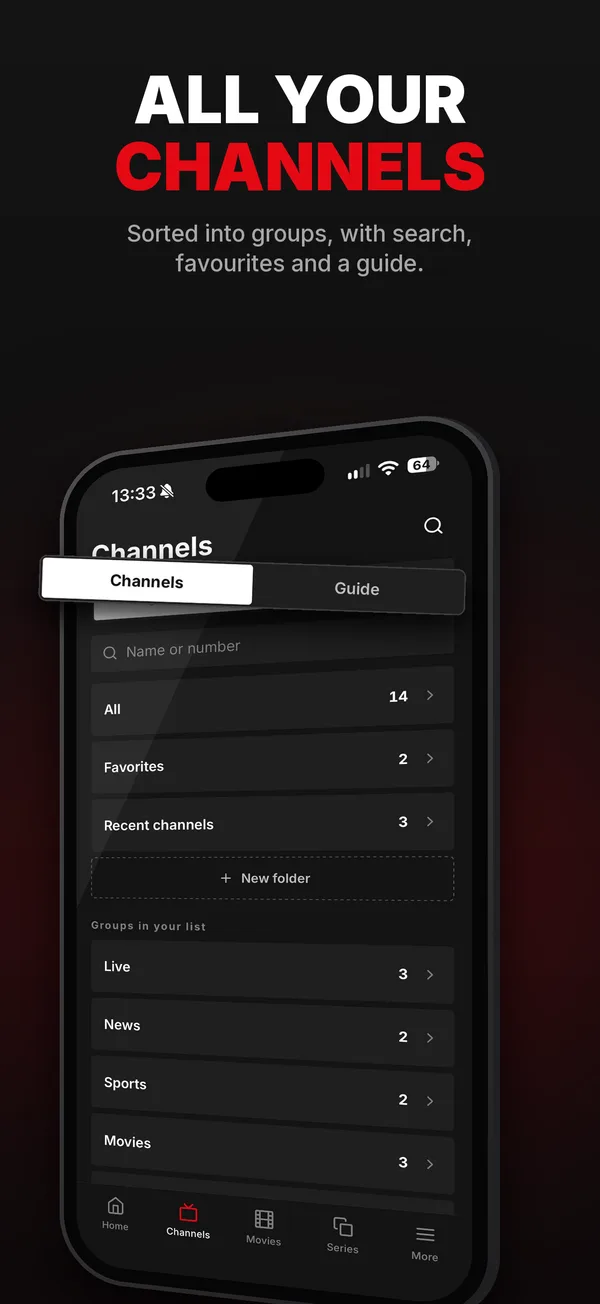
Channels by group
With search by name or number, favourites and folders.
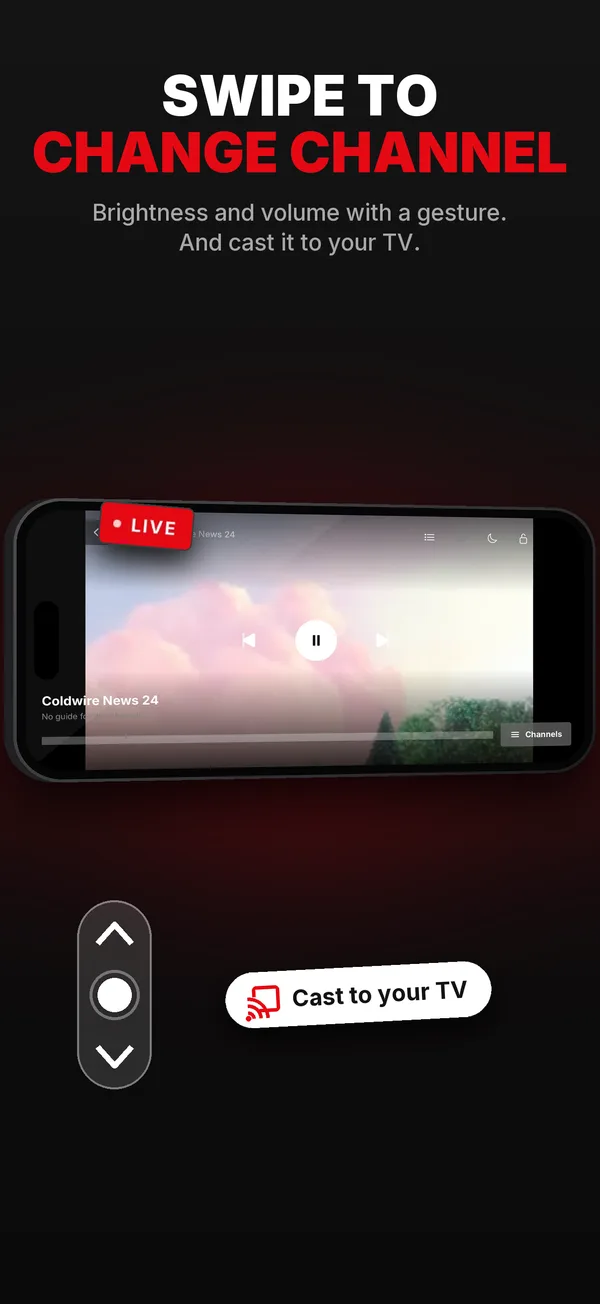
Swipe to change channel
And brightness and volume with a gesture too.
TV guide
What’s on now on each channel, if your list includes a guide (EPG).
Movies and series
The ones in your Xtream account, in their own tabs.
To your TV with Chromecast
Cast the channel to your TV in one tap.
With the screen locked
The sound keeps playing while you do something else.
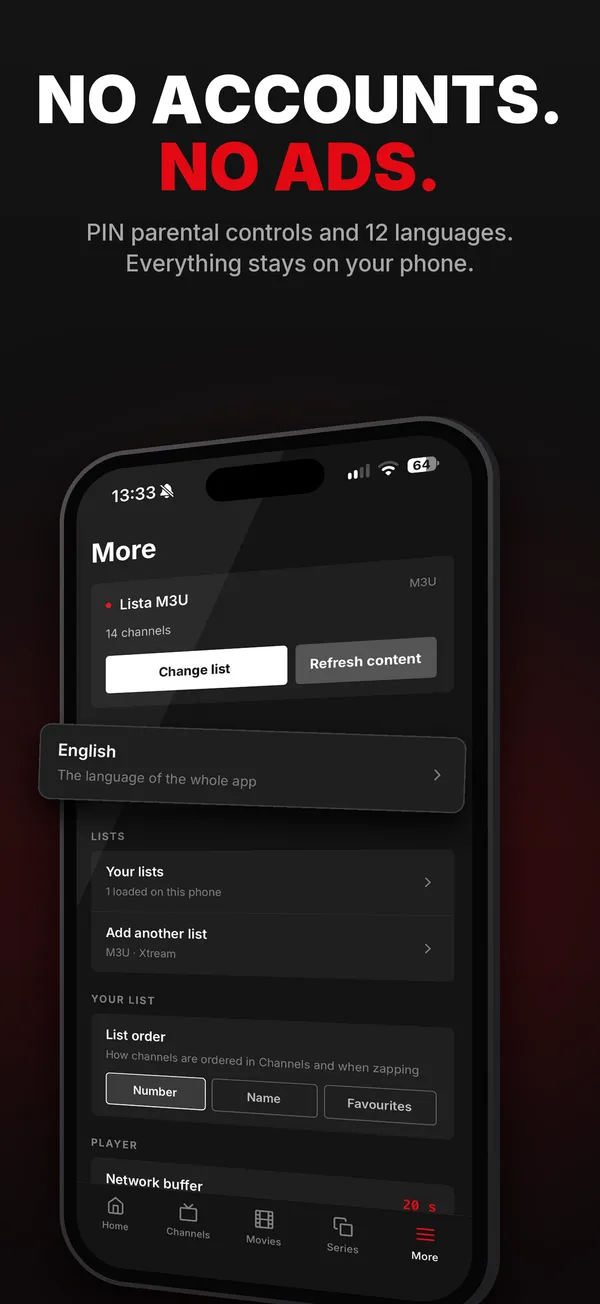
Parental control
A 4-digit PIN for the channels and groups you choose.
No account, no ads
Free. Your list stays on your iPhone.
Get started in a minute
Download it
Free on the App Store, for iPhone with iOS 16.4 or later.
Paste your list
Your M3U link, or your provider’s Xtream server, username and password.
Watch
Channels, guide, movies and series from your list.
Frequently asked questions
Is Raudo Player free?
Yes. It’s a free download from the App Store, with no ads and no account to create.
Does it include channels?
No. Raudo Player plays YOUR list: an M3U link or your provider’s Xtream details. It doesn’t offer or sell any content.
Which iPhone do I need?
Any iPhone with iOS 16.4 or later.
Does it work with M3U and Xtream Codes?
Yes, both. Paste the link, or your provider’s server, username and password, and you’re watching in seconds.
Is it the same app as Raudo for Windows?
It’s the iPhone version and reads the same lists. Speeding up to live and recording are only in the Windows app.
Where is my data stored?
On your iPhone. Raudo has no accounts and no servers holding your list; the details are in the privacy policy.
App Store
Get Raudo Player for free.

Free · iPhone with iOS 16.4 or later · no ads